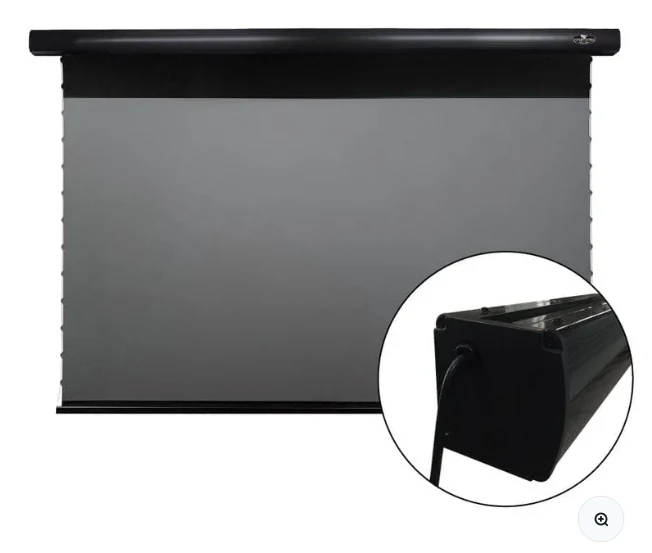
Set the image height from seating
A comfortable screen should not force viewers to tilt their heads sharply upward. In many living rooms the bottom of a large UST image ends up higher than a television because the projector and cabinet occupy space below it. A drop-down screen can help by using adjustable black drop, within the manufacturer’s limits.
Respect projector-specific offset
Each UST projector has a defined relationship between image size, distance from the wall and vertical offset. Use the projector’s installation chart. A few centimeters can matter, especially at 100 inches and above.
Furniture depth is part of throw distance
A deeper cabinet moves the projector forward; a shallow cabinet may not support the required chassis position. If the projector must sit partly forward of the cabinet, verify stability, ventilation and cable clearance before committing to screen height.
Align physically before digitally
Start with the screen level and flat, then square the projector to the screen. Use adjustable feet and precise movement. Digital keystone or warp correction can reduce usable resolution and should not be the first method used to solve basic alignment.
Check the live VIVIDSTORM PRO listing
Confirm current size options, stock, regional pricing and included controls before planning the final mount.
See current VIVIDSTORM PRO offer ↗