Start with physical width
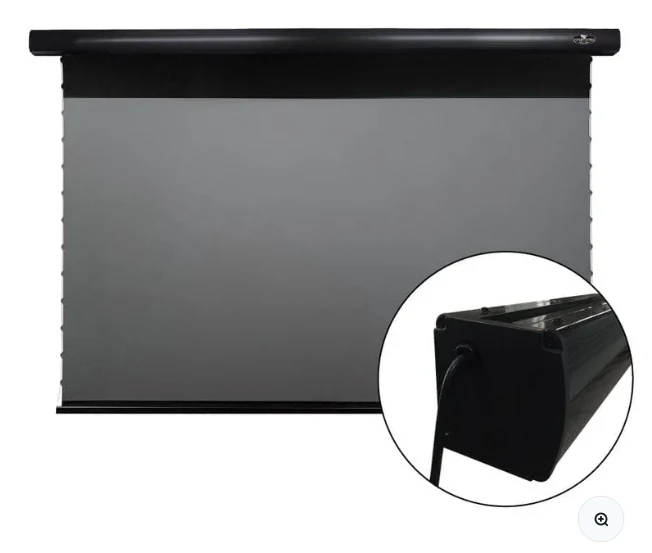
A 16:9 100-inch image is roughly 87 inches wide; 120 inches is roughly 105 inches wide. Add the screen frame or motorized housing beyond the viewable area. A wall that looks wide enough for a 120-inch picture can still be too narrow for the cassette.
Check projector geometry at that size
UST projectors have model-specific throw distances and vertical offsets. Moving from 100 to 120 inches often pushes the projector farther from the wall and can move it forward on the furniture. Confirm the projector’s installation chart rather than scaling by eye.
Brightness falls as area grows
At the same projector output, a larger image spreads light over more surface area. A 120-inch 16:9 image has about 44% more area than a 100-inch image. That is why a size upgrade can look less punchy in ambient light even when the screen material is unchanged.
Leave clearance for daily life
Check speaker height, furniture depth, ceiling clearance, doors, curtains and sightlines. Motorized screens also need housing and black-drop space. The largest diagonal that fits on paper is not necessarily the size that fits the room elegantly.
Check the live VIVIDSTORM PRO listing
Confirm current size options, stock, regional pricing and included controls before planning the final mount.
See current VIVIDSTORM PRO offer ↗