The geometry difference
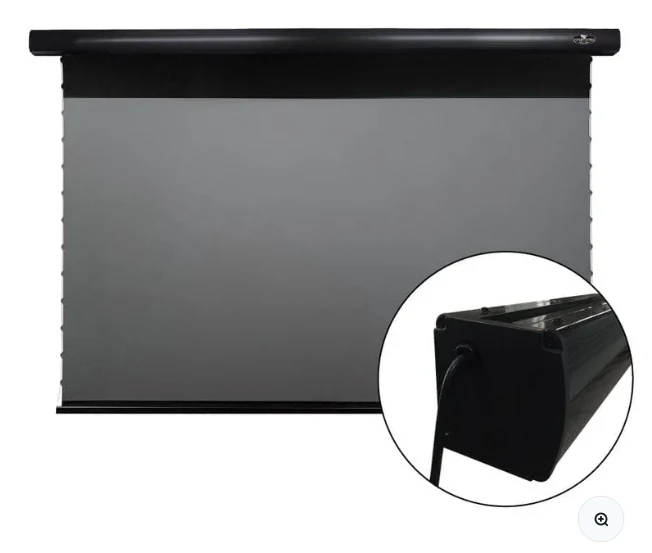
A 100-inch 16:9 image is about 87.2 inches wide by 49.0 inches high. A 120-inch image is about 104.6 by 58.8 inches. Before choosing 120, confirm not only wall width but the full motorized case width and the projector’s required throw position.
Brightness and ambient light
More area means lower luminance if projector output stays constant. In a light-controlled room, that may be an acceptable trade for immersion. In a bright living room, the 100-inch image can look punchier with the same projector and screen material.
Seating and field of view
A 120-inch image can feel cinematic at normal living-room distances, but it can also dominate a short room. The correct choice depends on how close the primary seats are and whether viewers prefer an enveloping or relaxed field of view.
Why 110 inches can be the practical answer
Products such as the VIVIDSTORM PRO offer an intermediate 110-inch size. That can be valuable when 100 feels conservative but 120 pushes furniture, brightness or case-length limits. Do not force the industry’s two most familiar numbers if the room points to the middle.
Check the live VIVIDSTORM PRO listing
Confirm current size options, stock, regional pricing and included controls before planning the final mount.
See current VIVIDSTORM PRO offer ↗